
Policy Hub Pro
Keep every policy and document in one place, with permanent links that never break. Pro adds on-page PDF viewers, a search box you can put anywhere, colour schemes, version history and review reminders.
£10 one-off payment · no subscription
- Ideal for schools and organisations
- Upload PDFs or link SharePoint
- Links stay the same when you update a file
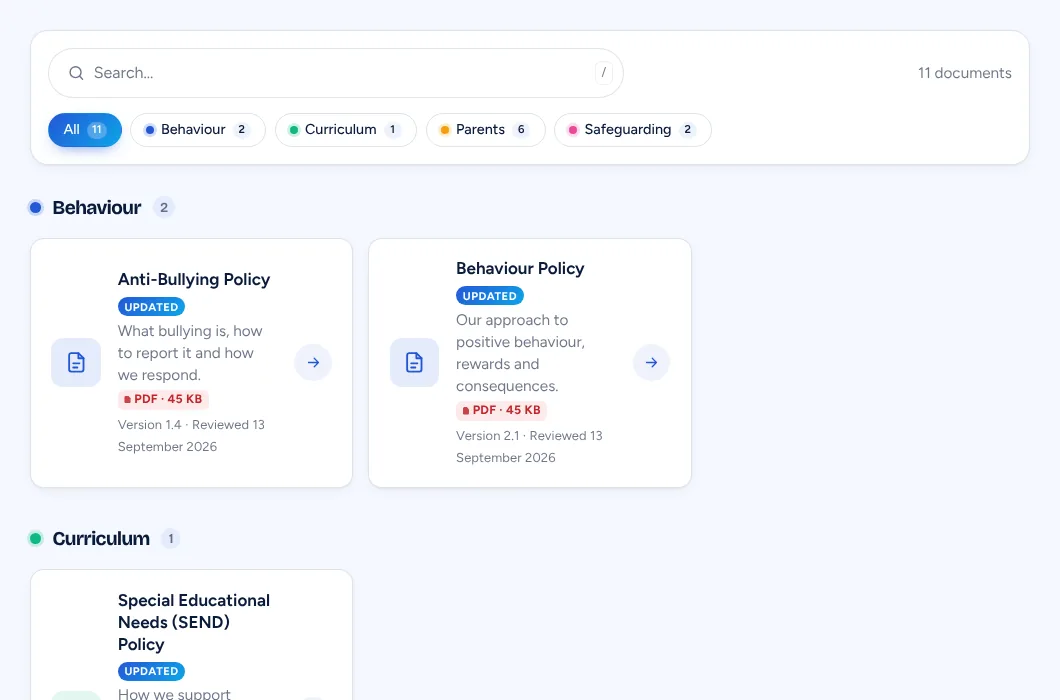
Make it yours
Colours, layouts and viewers.
Pick a colour scheme and layout for your library, then choose how documents open – with a live preview as you go.
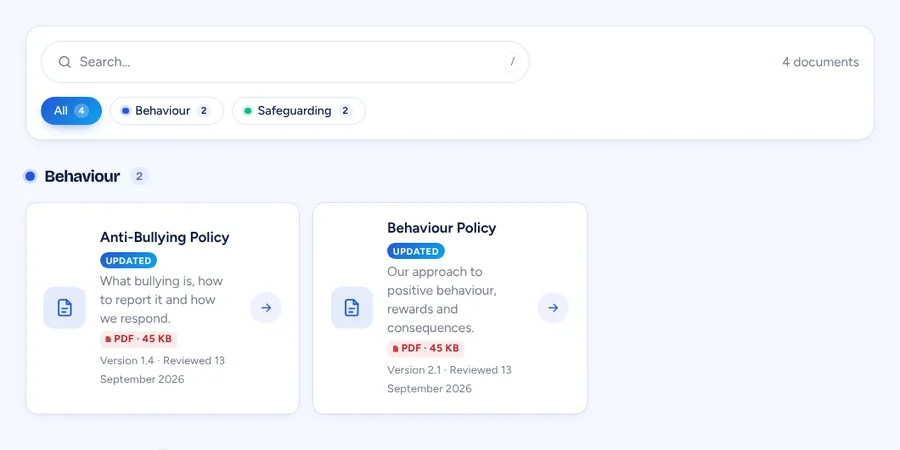
Ocean cards
Clear cards grouped by category, with file type and size.
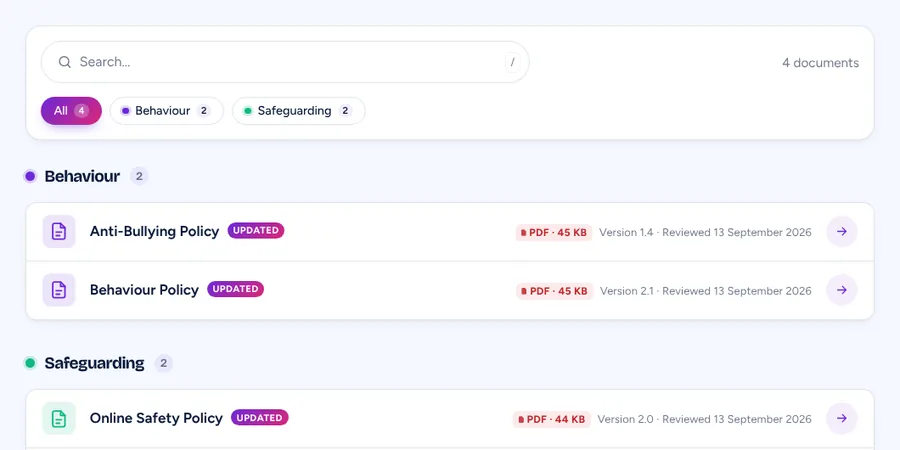
Compact list
A tidy list for long libraries, here in the Royal colours.
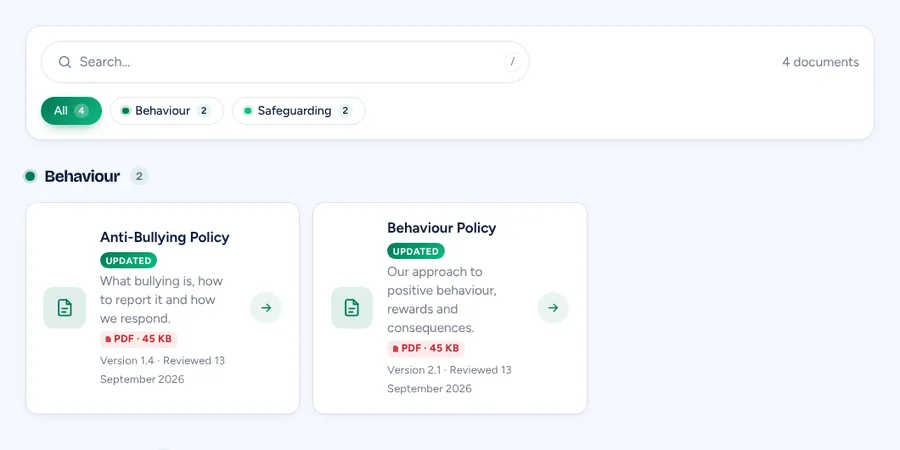
Emerald
One of five colour schemes – or match your own brand colour.
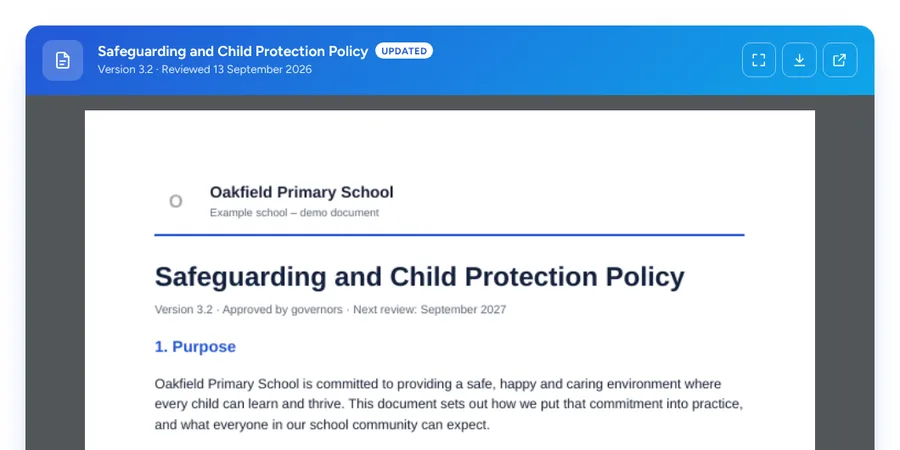
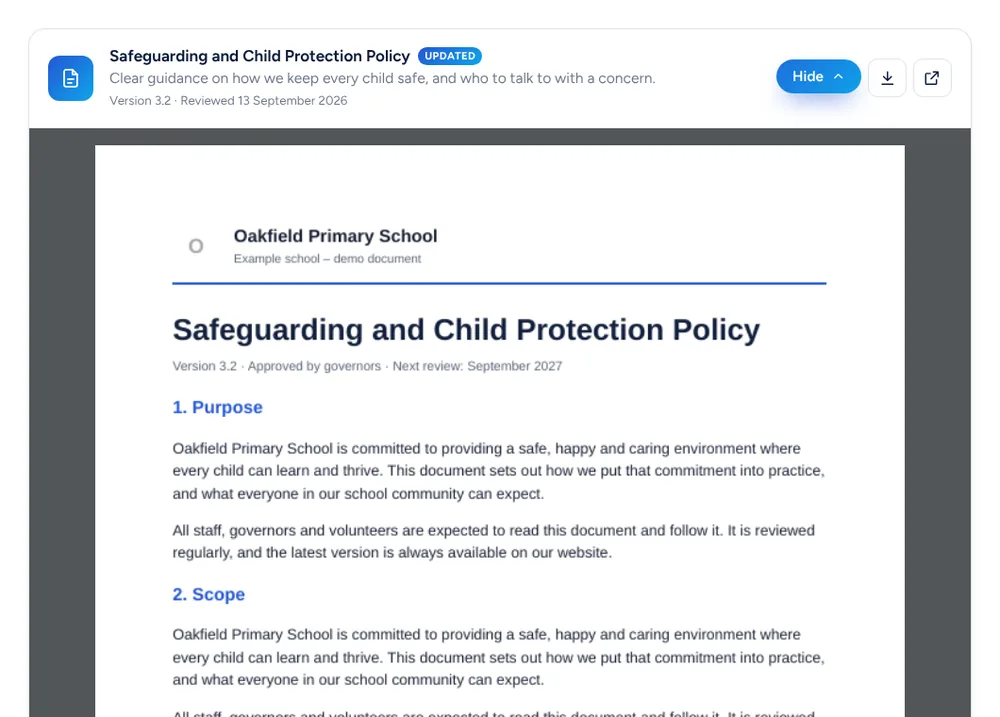
Brand viewer
Open a PDF right on the page, in your brand colours.
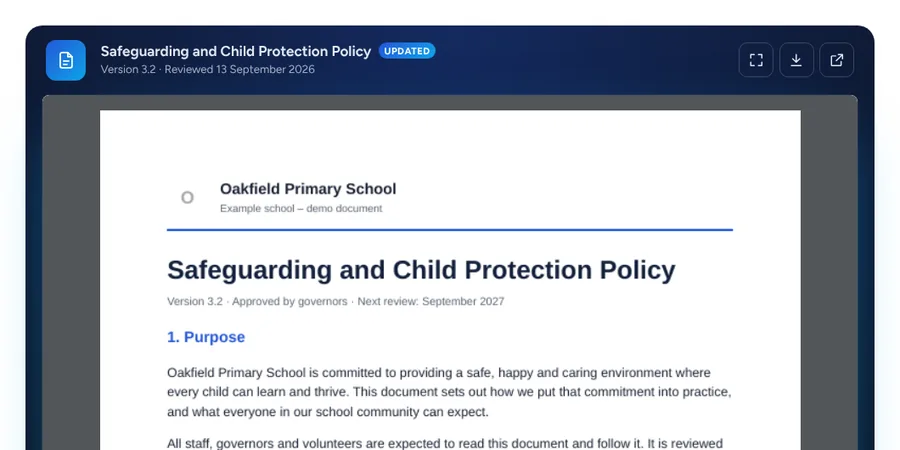
Dark viewer
A dark frame that makes the document stand out.
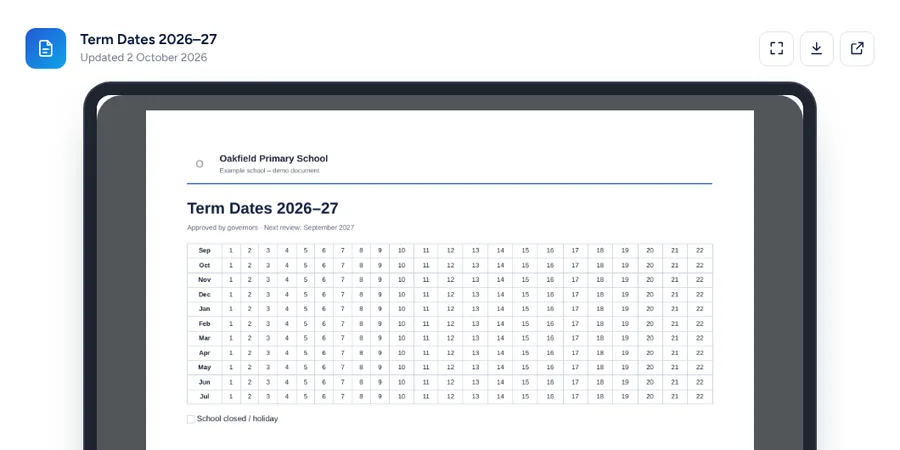
Tablet viewer
Show documents inside a tablet-style frame.
Example school and documents made up for this page.
What Pro adds
Everything in the free plugin, plus…
PRO
On-page PDF viewers
Show documents on the page, in a pop-up or behind an Expand button. 7 frames, and a fallback for phones.
PRO
Search box anywhere
Put a live document search on any page, in 6 styles – results appear as people type.
PRO
Colour schemes & layouts
5 colour schemes or your own, a compact list layout, animations and a sticky search bar.
PRO
Version history
Keep older versions, and schedule a new version to go live on a set date.
PRO
Owners & reminders
Give each document an owner and send them reminder emails when it’s due for review.
PRO
Weekly link check & summary
Broken links are checked every week, with a monthly summary email.
PRO
Search inside PDFs
A readable text version of each PDF, so search finds words inside your documents.
PRO
Staff-only & insights
Keep documents for staff or behind a password, and see which ones people open.
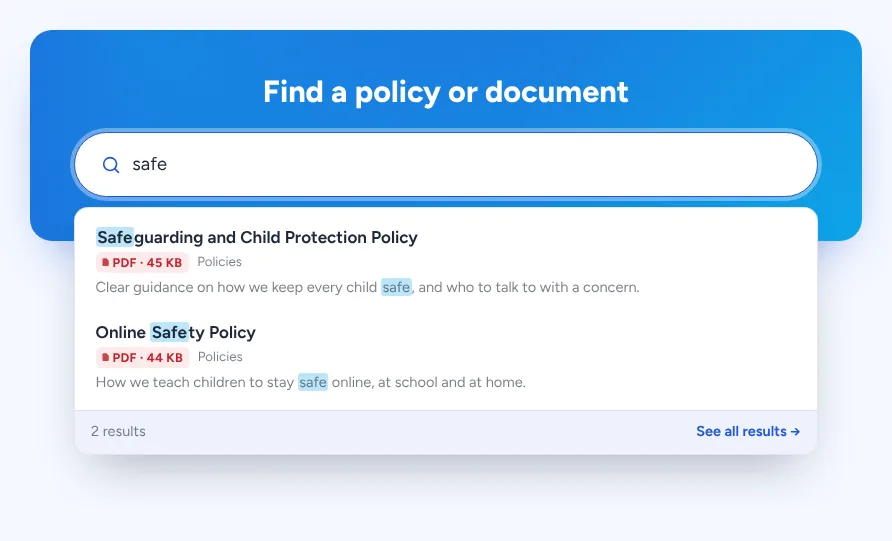
Search box
Help people find it first time.
Add a search box to your homepage, a parents’ page or anywhere else. Results appear as people type, with matching words highlighted, and a link to see everything.
PDF viewers
Read documents without leaving the page.
Let visitors read a policy right on your website – inline, in a pop-up or with an Expand button. Choose a frame and page shape, and phones get a simple button instead.
Simple settings
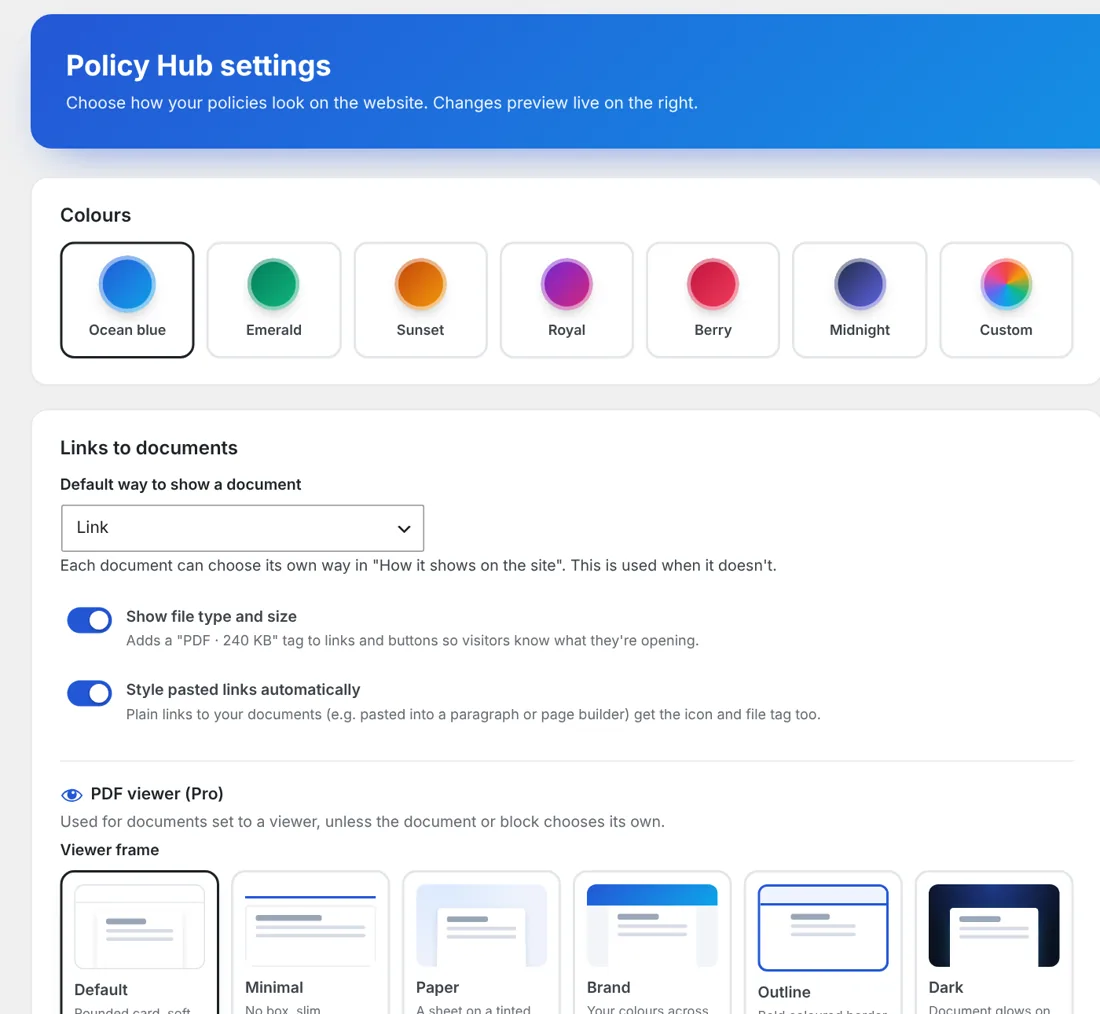
Point, click, done.
Choose colours, how documents open and which frame to use from one friendly settings screen, with a live preview of your choices.
Free vs Pro
Start free. Upgrade when you want more.
The free Modernise Policy Hub already gives you a proper, searchable document library. Pro adds viewers, search anywhere and the tools that keep everything up to date.
| Free | Pro | |
|---|---|---|
| Policies and documents sections | ✓ | ✓ |
| Upload PDFs or link to SharePoint | ✓ | ✓ |
| Permanent links that never change | ✓ | ✓ |
| Library with search and categories | ✓ | ✓ |
| Link, button or download styles and file tags | ✓ | ✓ |
| Bulk add, link checker, where used and QR codes | ✓ | ✓ |
| Review dates | Shown in the list | + owners and reminder emails |
| On-page PDF viewers | – | Inline, expand or pop-up, 7 frames |
| Search box on any page | – | 6 styles |
| Colour schemes and layouts | Standard | 5 schemes, compact list, animations |
| Version history and scheduled versions | – | ✓ |
| Weekly link check and monthly summary | – | ✓ |
| Search inside PDFs | – | ✓ |
| Staff-only or password-protected documents | – | ✓ |
| Insights on which documents are opened | – | ✓ |
Get Policy Hub Pro for £10
A one-off payment. No subscription and no licence key.
- On-page PDF viewers
- A search box for any page
- Version history and review reminders
- Staff-only documents and insights
- Works alongside the free plugin
How it works
FAQs
Questions about Policy Hub Pro
Something not covered here? Just ask.
Do I need the free plugin too?
Yes. Policy Hub Pro is an add-on, so install the free Modernise Policy Hub first, then upload Pro. The extra options appear in Policy Hub, marked PRO.
What happens if I turn Pro off?
Nothing breaks. Your documents, links and categories stay exactly as they are, and the library carries on working with the free options.
Is it just for schools?
No. It was built with schools in mind, but it works for any organisation with policies, forms or documents to share.
Is it a subscription?
No. It’s a one-off payment of £10.
How do I get it after paying?
You’ll receive the Pro plugin as a zip file. In WordPress, go to Plugins → Add New Plugin → Upload Plugin, choose the zip and click Activate.
I have a question before buying.
Happy to help – send me a message or email hello@modernisemybusiness.co.uk.
More plugins
Other plugins you might like
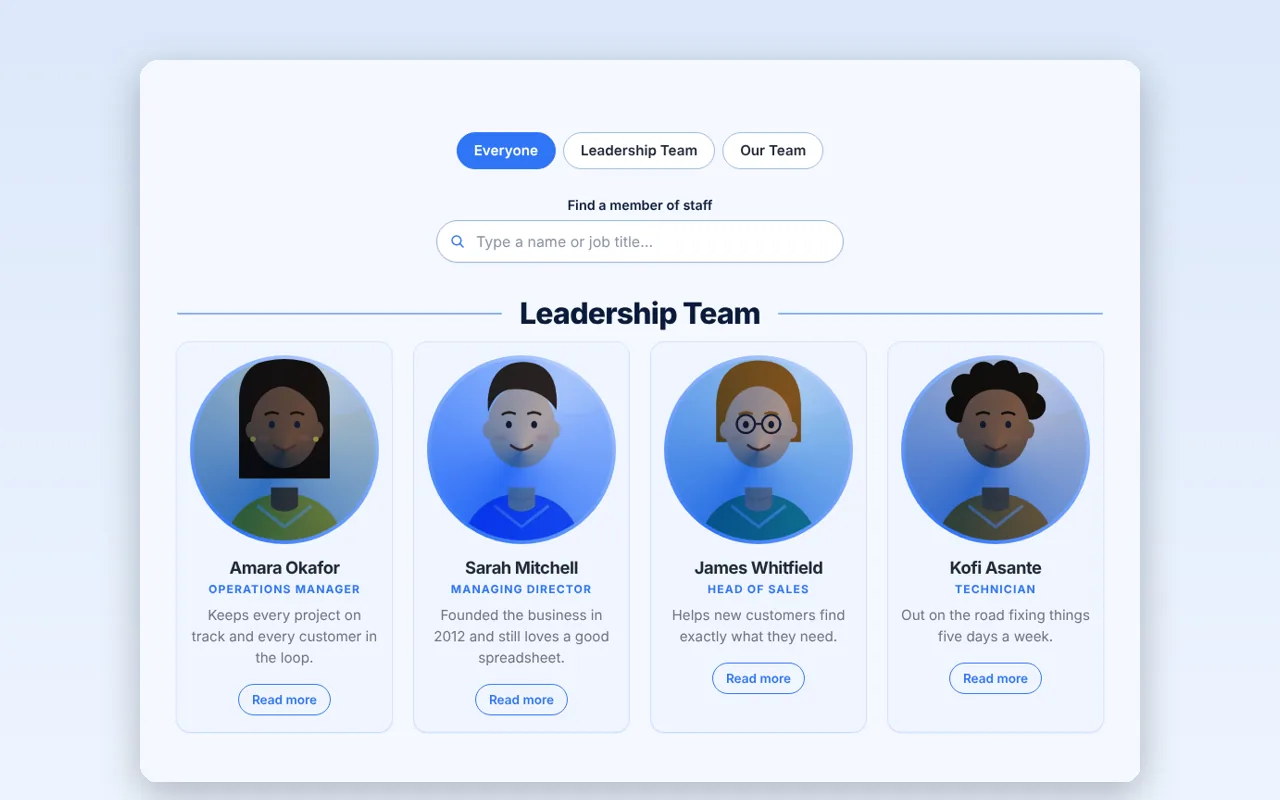
Team Profiles
A beautiful “Meet the team” page in minutes – with groups, photos and a live preview.
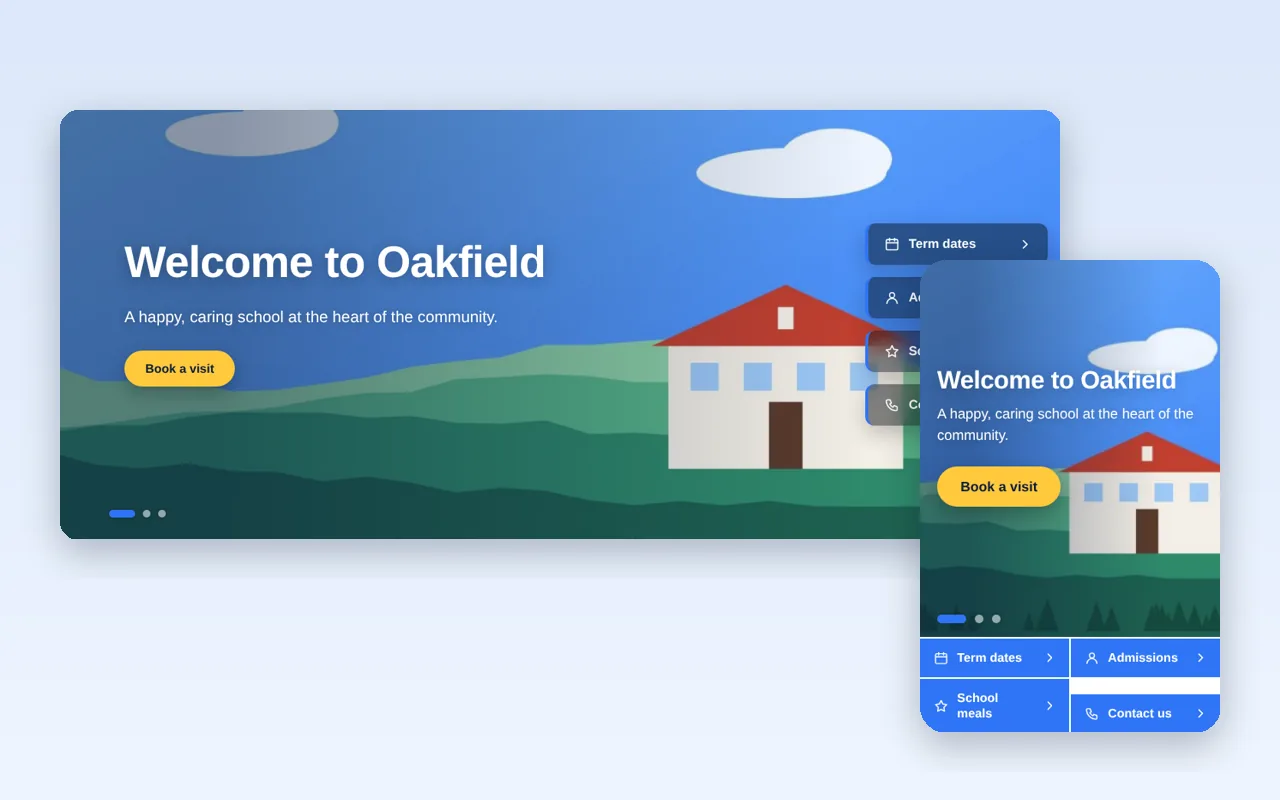
Linkslide
A full-width homepage slider with quick links that stay put while the pictures change.